What is IPTV? A beginner's guide
IPTV means the TV picture reaches you over the internet instead of through an aerial, a satellite dish or a cable-TV network. Here is the technology without the jargon – and what to look out for as a consumer.
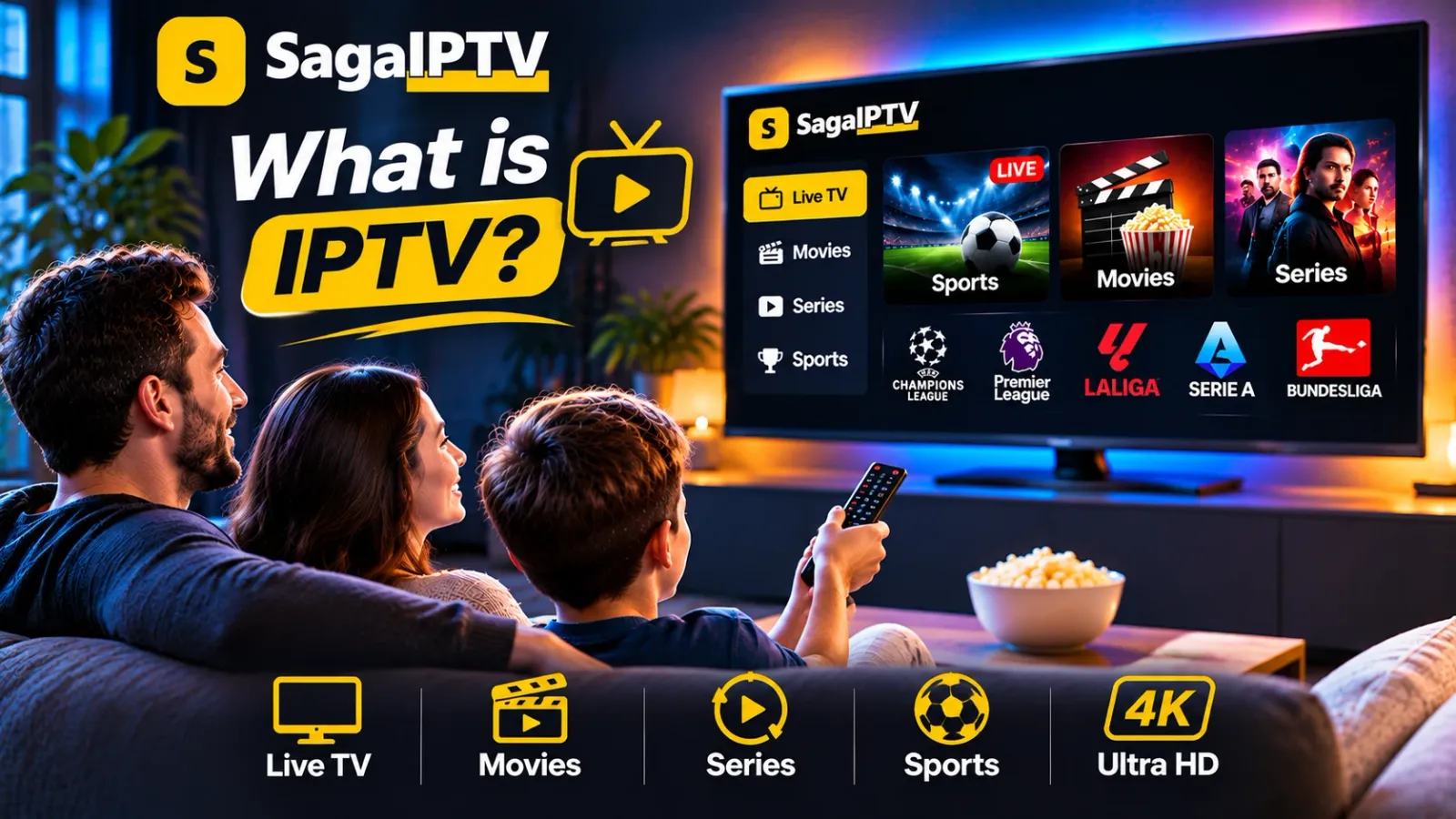
What does IPTV stand for?
The letters stand for Internet Protocol Television. It sounds technical, but it only means that the TV signal travels as data over an IP network – the same kind of network as your ordinary internet connection. Many households with fibre broadband already use the technology without thinking about it, because the TV service from their broadband provider is often delivered this way.
How television over the internet works
- A server cuts the broadcast into small chunks of a few seconds each.
- The chunks travel over the internet to your router.
- An app or a box receives them, puts them in order and shows the picture.
- A small buffer – a few seconds ahead – smooths out minor hiccups in the connection.
That buffer is why internet TV sometimes runs a few seconds behind an over-the-air broadcast. It also explains why the picture stops when the connection cannot deliver the chunks in time.
Three ways to watch
- Live TV – you watch what is being broadcast right now.
- Video on demand – you pick from a library, as with a streaming service.
- Time-shifted viewing – programmes you can start after they have aired.
Which of these are included differs from provider to provider. Always ask what applies to the particular subscription you are considering.
What do you need at home?
- An internet connection that is stable, not just fast. More in our guide to internet speed for streaming.
- A device: smart TV, media box, streaming stick, phone, tablet or computer.
- An app that runs on that device.
- A subscription with a provider.
IPTV compared with other ways of watching TV
| Aerial and cable | IPTV | |
|---|---|---|
| Signal path | Aerial or cable-TV network | Your internet connection |
| Equipment | Aerial, card or set-top box | App or box |
| Weak point | Weather and aerial position | Broadband and Wi-Fi |
No technology is best in every situation. With stable fibre, the conditions for IPTV are good. If you rely on mobile broadband at a holiday home, the experience may be more uneven.
Key terms in plain language
| Term | What it means |
|---|---|
| EPG | Electronic programme guide – the on-screen schedule of what is on now and next |
| VOD | Video on demand – movies and series you start whenever you want |
| Replay / catch-up | Watching a programme after it was broadcast |
| Resolution | The number of pixels: HD is 720p, Full HD is 1080p, 4K is 2160p |
| Bitrate | How much data the picture uses per second, measured in Mbit/s |
| Buffering | The player pauses to load more of the stream |
How much data does IPTV use?
Data use follows the bitrate. A stream at 5 Mbit/s uses about 2.25 GB per hour; at 25 Mbit/s it is about 11 GB per hour. On a fixed broadband line without a data cap this does not matter. On mobile broadband with a monthly allowance it does: two hours of HD every evening adds up to roughly 135 GB a month.
Do you need a special TV?
No. Any screen that can run a suitable app, or that has an HDMI port for a box or stick, can be used. What matters is the app, not the television itself – which is why the exact model is the first thing a provider should ask you about.
Can you watch on a phone or tablet?
Technically yes: phones and tablets are ordinary streaming devices. Whether a particular service supports yours depends on the app and the version of the operating system. Remember that mobile data is used unless you are on Wi-Fi.
Does the weather affect IPTV?
Not in the way it affects a satellite dish. The signal travels through your broadband connection, so rain and snow play no direct role. What does matter is the load on the network in the evening and the quality of the Wi-Fi in your home.
Is IPTV the same as a streaming service?
The technology is closely related – both send video over the internet. The word IPTV is mostly used when live TV channels are the main thing, often together with a programme guide, while “streaming service” usually means a library of films and series. Many offers today are a mix of both.
What does SagaIPTV offer?
SagaIPTV sells one plan: a 1-year subscription for 1, 2 or 3 accounts at €50, €95 or €140. It includes 19,000+ live TV channels, 89,000+ movies and series on demand, HD, Full HD and 4K quality, a TV guide with channel replay and support 24/7 on WhatsApp. One account plays on one screen at a time.
What to check before you subscribe
- Rights. Ask which rights the provider holds to the content in your country.
- Terms. Price, period, payment and what applies if something does not work.
- Device. Get confirmation that your model is supported. See Devices.
- Support. How do you reach the provider, and how quickly do they reply?
The guide How to choose an IPTV subscription goes through the checklist point by point. To see how SagaIPTV’s packages are put together, everything is on the pricing page.